
Records & Reporting
Built for owner-led food manufacturers that need audit-ready records in seconds — not hours of digging.

The problem with scattered records
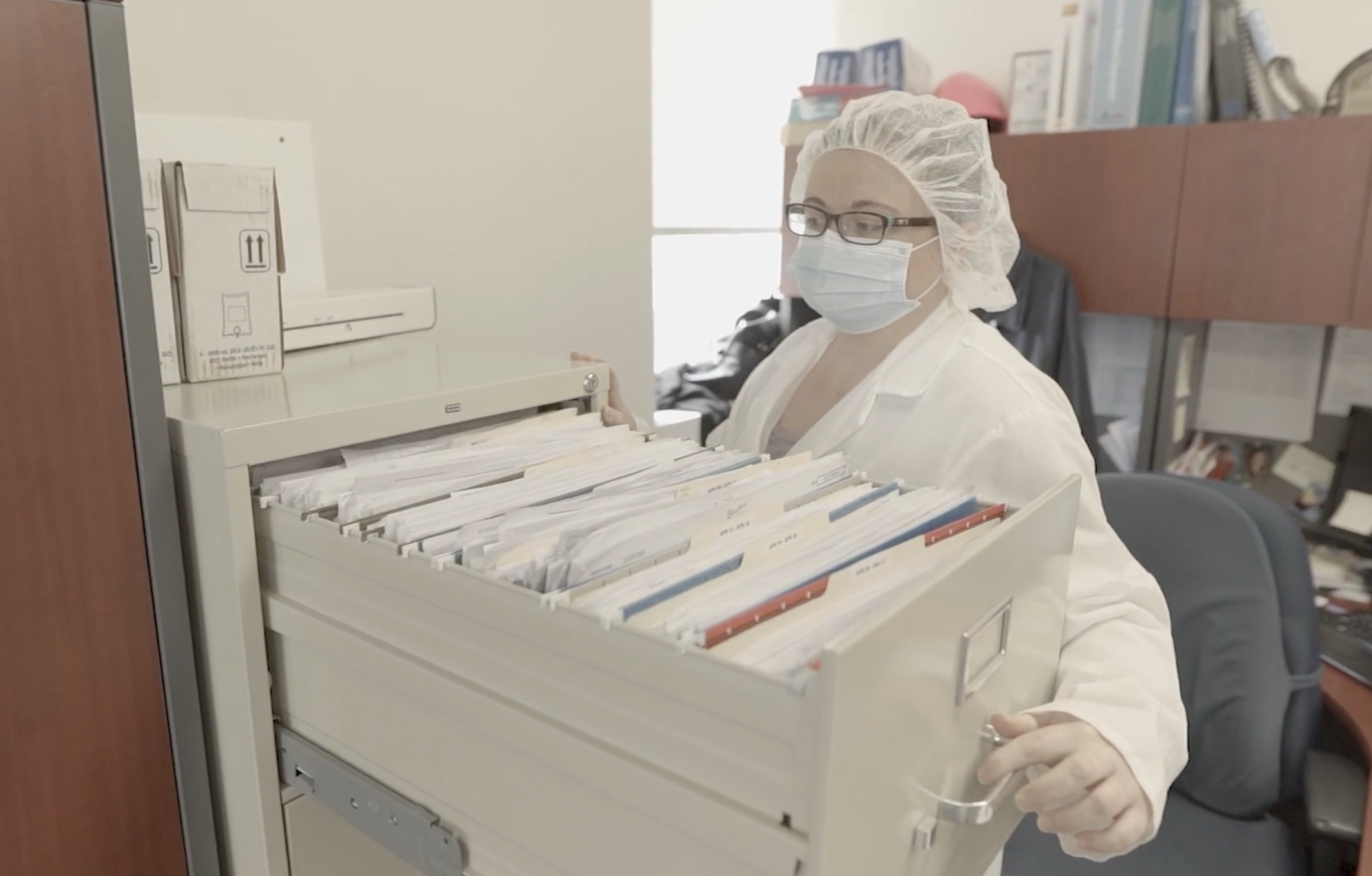
Records technically exist — until someone needs answers fast.
Files live in binders, spreadsheets, inboxes, and shared drives.
Version control breaks. Fields get missed. Attachments go missing.
When an audit, customer request, or issue hits, teams waste hours pulling the right records.
How Caddy records reporting works
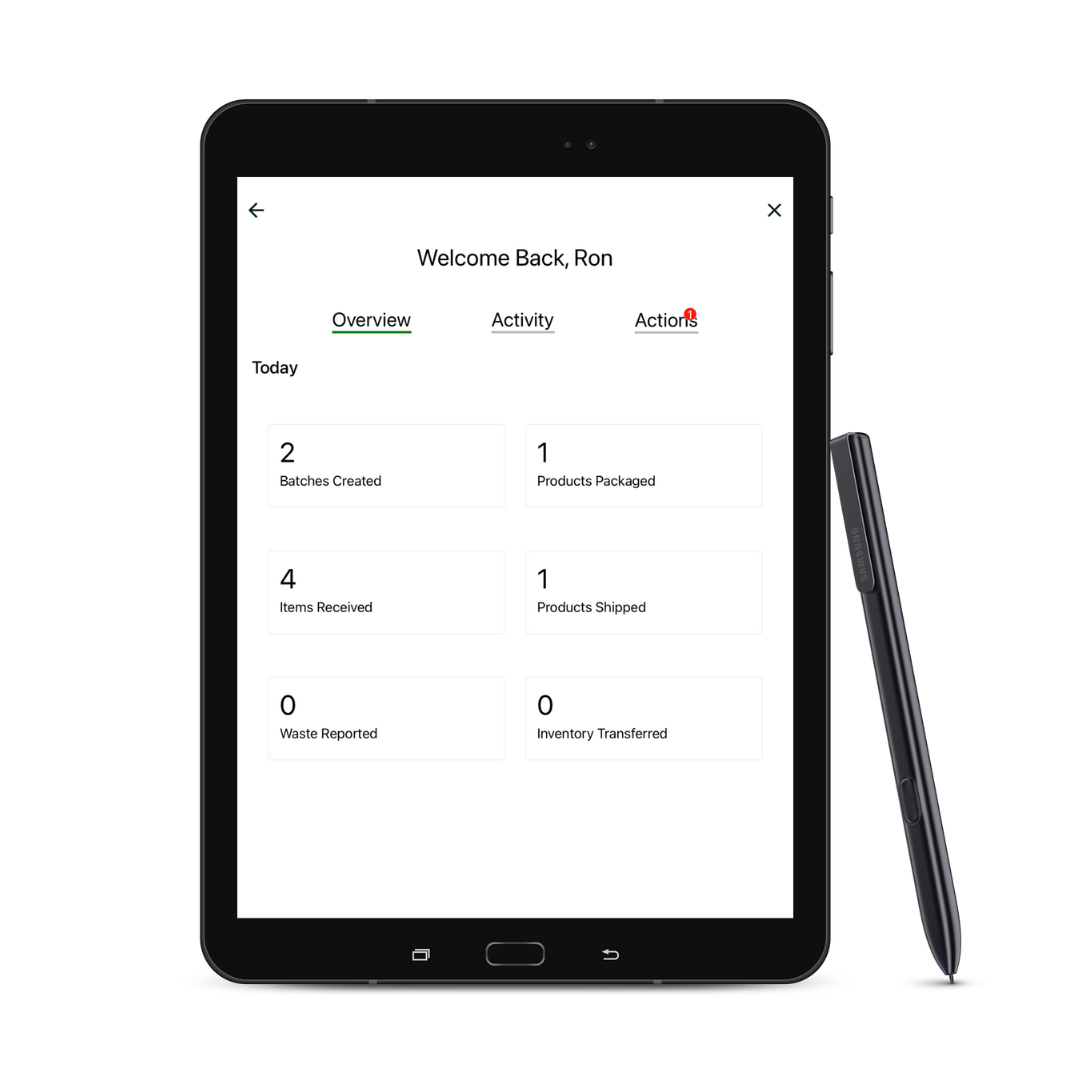
Caddy centralizes your submissions into one searchable record system.
Find what you need by form type, inventory item, lot code, staff, date, form data, and facility.
Export clean reports and supporting documentation in a few clicks.
What you can do with records reporting
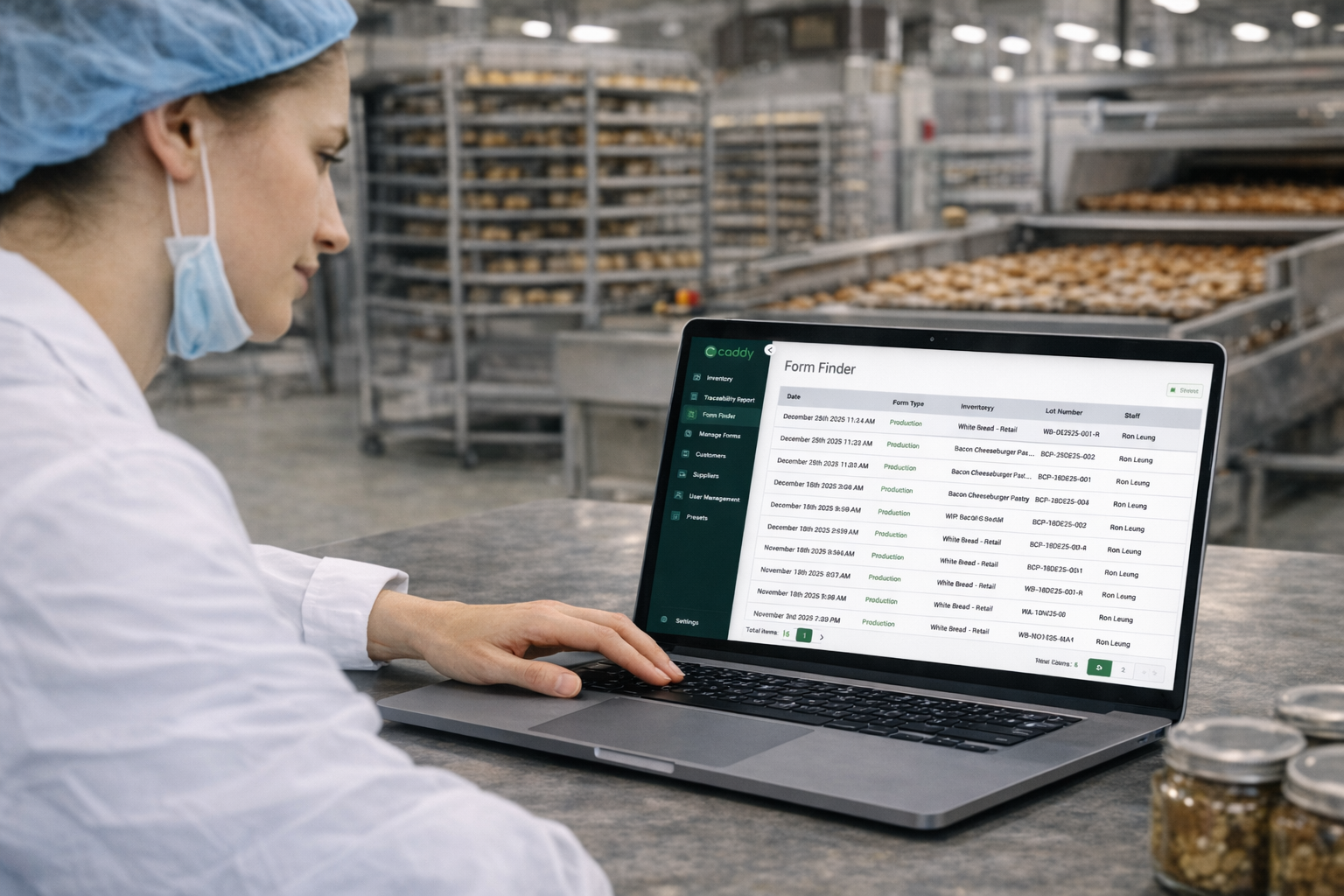
Search across receiving, production, packaging, shipping, and QA logs
Filter by form type, inventory item, lot code, staff, date, form data, and facility
Open a record and see the full context (attachments included)
Export reports for audits, customers, or internal reviews
Download supporting documents (COAs, photos, checklists) alongside records
Keep access controlled by role (view vs submit)
Built for audit day
SQF, BRCGS, a retailer audit, a CFIA or FDA visit — the question is always the same: show me the record.
In Caddy, you filter by date, form, lot or person and export. The auditor gets the record with its attachments — COAs, photos, checklists — in one place.
No binders on the boardroom table. No one sent back to the office to find a missing page.
Records you’re required to keep
Canada (SFCR): traceability records must be kept for two years.
US (FSMA 204): covered records must be handed to FDA as a sortable spreadsheet within 24 hours of a request.
Paper makes both slow. In Caddy, every submission is stored as a permanent, searchable record.
One system instead of five places
Before Caddy, most teams keep records in binders, spreadsheets, email inboxes, shared drives — and someone’s truck.
After Caddy, every receiving, production, packaging, shipping and QA record lives in one place, linked to the lots it touches.
“Having everything available at a click or two is fantastic.”
— Zack Werner, Co-Founder & COO, Barvecue
Records & reporting FAQs
What can I search by?
Form type, inventory item, lot code, staff member, date, form data and facility.
Can I give auditors and customers what they ask for?
Yes. Export reports and download supporting documents — COAs, photos, checklists — alongside the records.
Who can see records?
Access is controlled by role, so people can submit, view, or both.
Do we have to re-enter old paper records?
No. Caddy starts capturing records the day you go live; we’ll talk through what to bring over during implementation.
Why centralized records matter
Fast answers protect your business.
Audit readiness. Customer confidence. Issue response.
When records are organized and searchable, problems don’t turn into fire drills.
.
Done chasing paperwork? Let’s sanity-check fit.
We’ll tell you quickly whether Caddy makes sense for your operations — and just as clearly if it doesn’t.